Rhamnusia | Devlog 4
User interface creation, gameplay polish, and equipment systems
Overview
Switching away from the full Blender and Clip Studio art focus of last week, this week was more focused on user interface and gameplay polish.
Importing my Character Model
As per the previous devlog, I’ve rigged and imported my custom player model to my game, to mixed results:
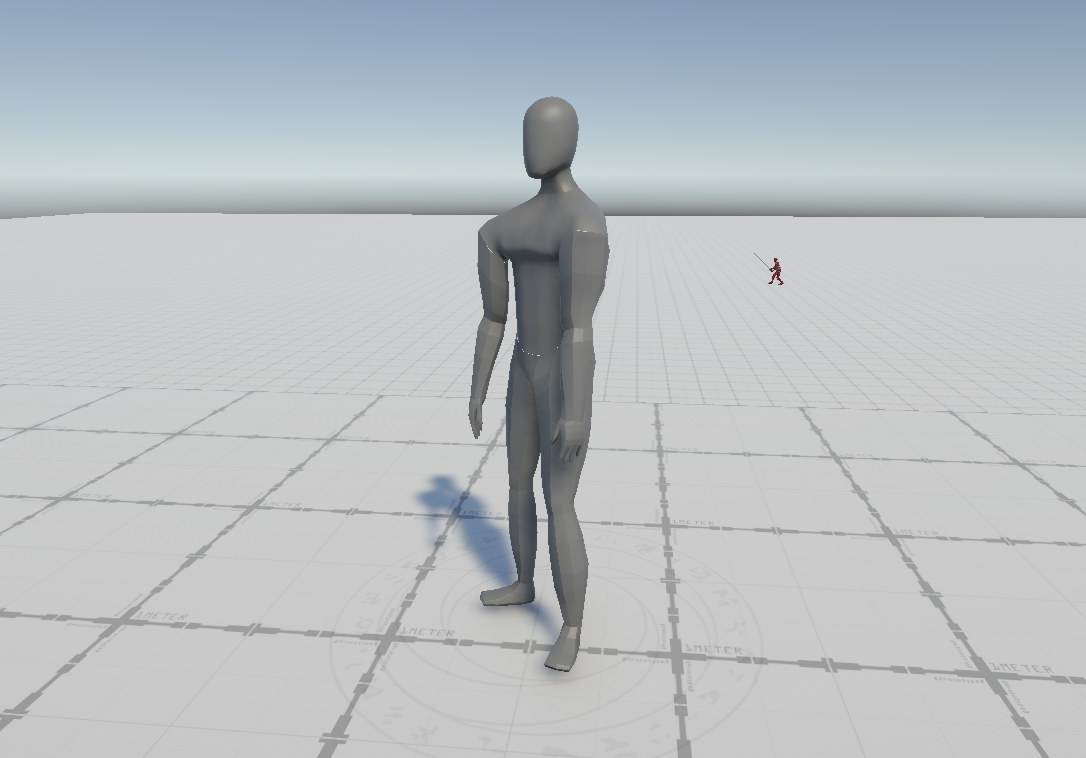
For now it functions and I’ll focus on that more later when the overall structure of the game is more defined.
User Interface
The Overall Setup
Trying to keep the user interface streamlined and easy to extend, I built a small framework first. Every menu is a UIScreen, and a UINavigator manages them as a stack, opening a screen pushes it, backing out pops it, and the topmost screen owns the player’s input. That means “back” will always do the obvious thing and I never have two screens fighting over input.
Opening any menu also suspends gameplay input and swaps the control scheme, so the same face buttons that are for overworld traversal navigate the UI in a menu wtihout any conflicts. I built this with a controller in mind, but keyboard and mouse is fully supported and functional.
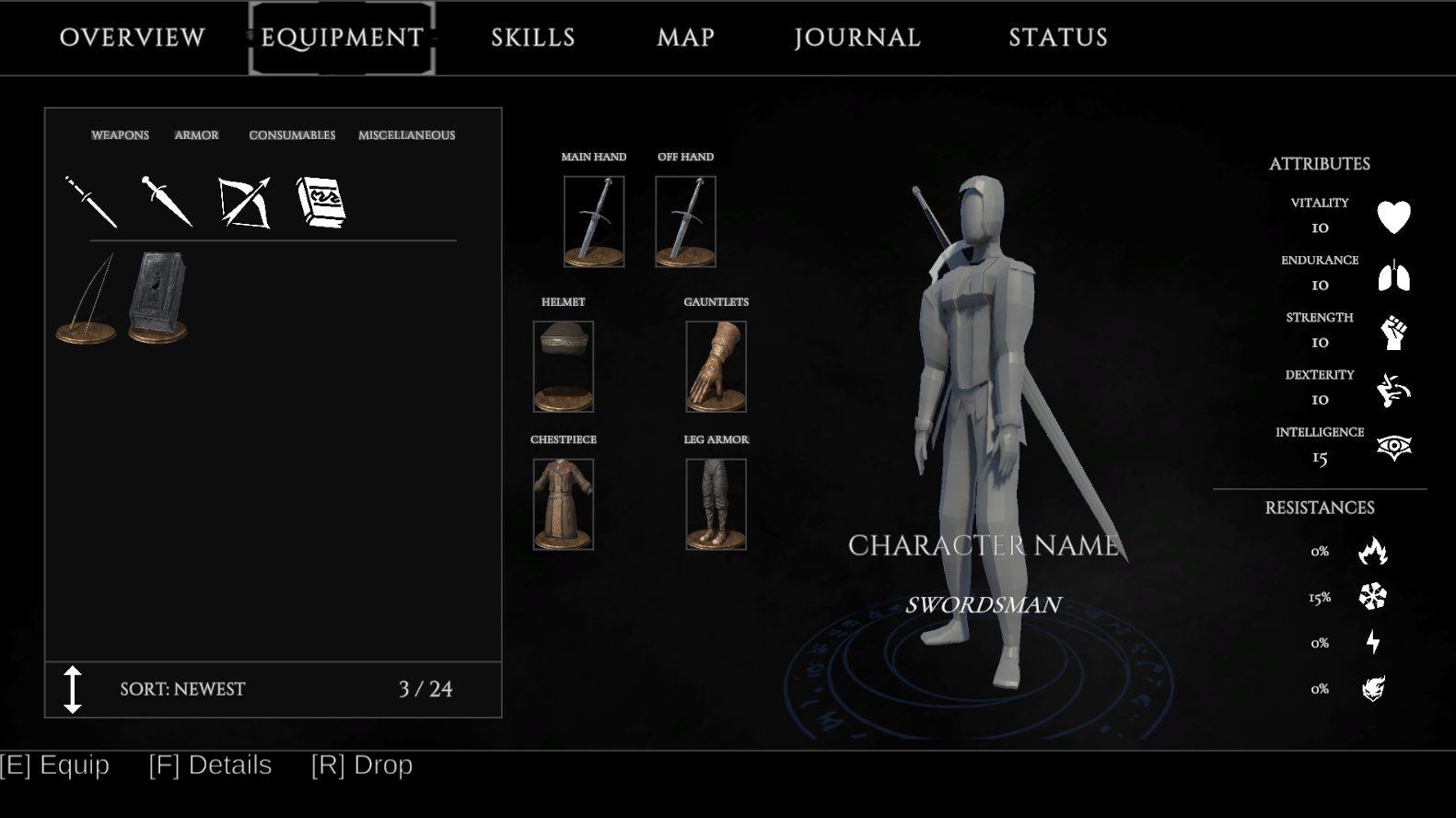
Equipment Screen
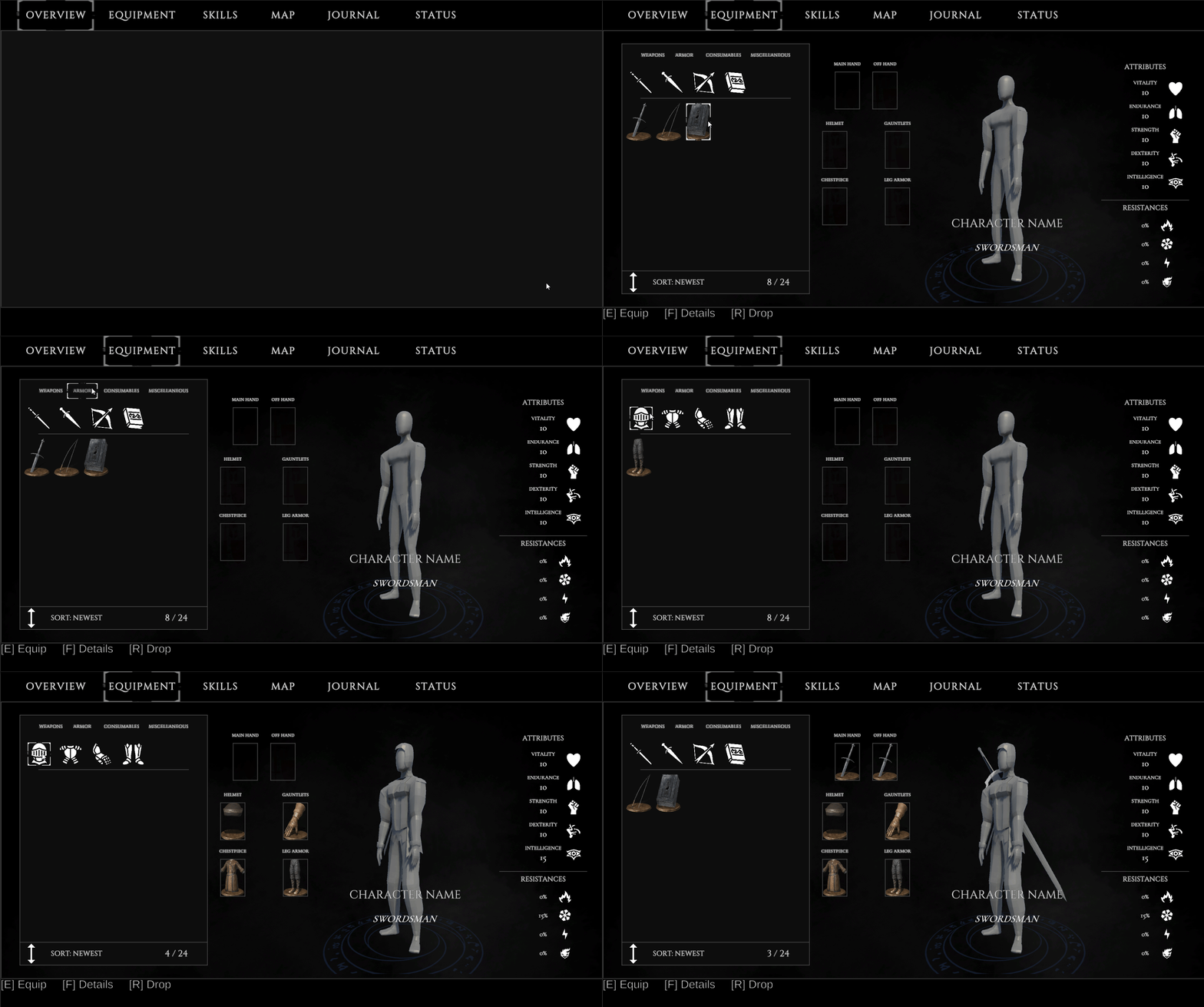
The first focus with this new UI framework was creating an equipment screen. For context, gear lives as data assets with an item hierarchy (weapons, armor, consumables), and equipping something routes its stat modifers directly to the player’s stats. The inventory side is a filtered, sorted scroll grid which can be narrowed by item category and subcategory, and the detail panel shows what a piece does before you equip/use it. Equipping a weapon also swaps the player’s moveset, since the animation sets live on the weapon rather than the player.
Player HUD
I’ve added functionality to two crucial parts of the player’s HUD. The first being the player’s health, resource, and stamina bars are integrated with the player’s stats and cleanly tween to their respective size.
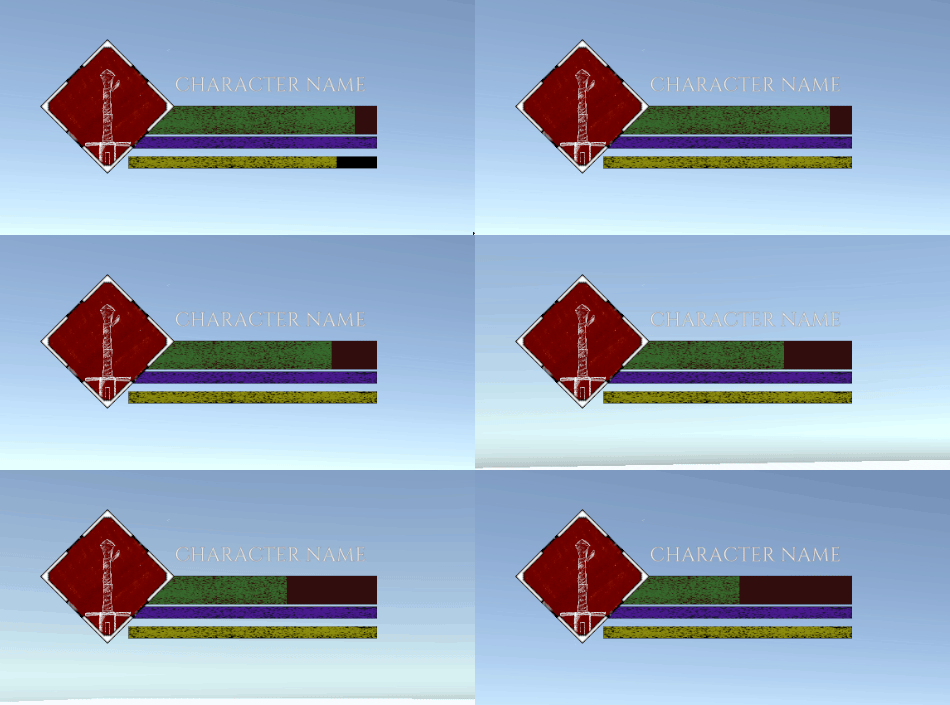
Under the hood these bars read directly from the player’s stat system, the same system all the equipment and buffs feed into, so a bigger health pool or chunk of damage is reflected immediately.
There is also a skill section on the player’s HUD, each diamond slot automatically filling with the skill’s icon depending on what the player has equipped. Currently all the icons are placeholders once I get around to making more art for this project.
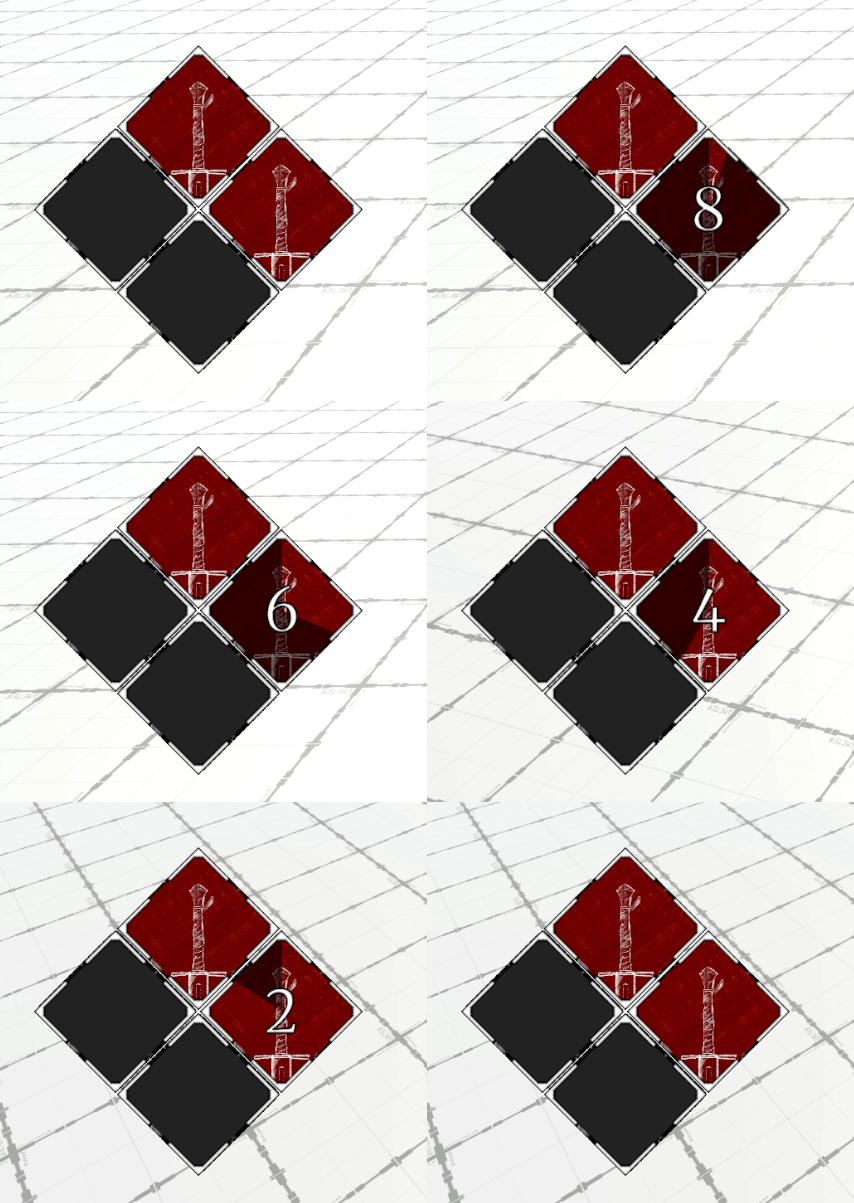
Addtionally, each slot also shows a radial cooldown sweep and a live countdown number, so at a glance the player knows exactly when an ability comes back up.
Gameplay Polish
Skill Setup
Skills are their own data assets separate from basic attacks, so each one owns its own cast animation, its mana/stamina cost and cooldown, and optional damage or self-effect values. They’re usable through the same hitbox and projectile pipeline my existing attacks use, which kept things easy to re-use.
The input scheme . Holding the skill modifier (L2 for the Dualshock 4 controller I have) raises a “skill ready” stance and repurposes the face buttons into four skill slots. While not implemented currently, the d-pad swaps between loadout sets. Certain effects can also be timed to an animation event now, so for a self-heal, for instance, can apply exactly on th frame the character casts the spell rather than instantly on the button input.
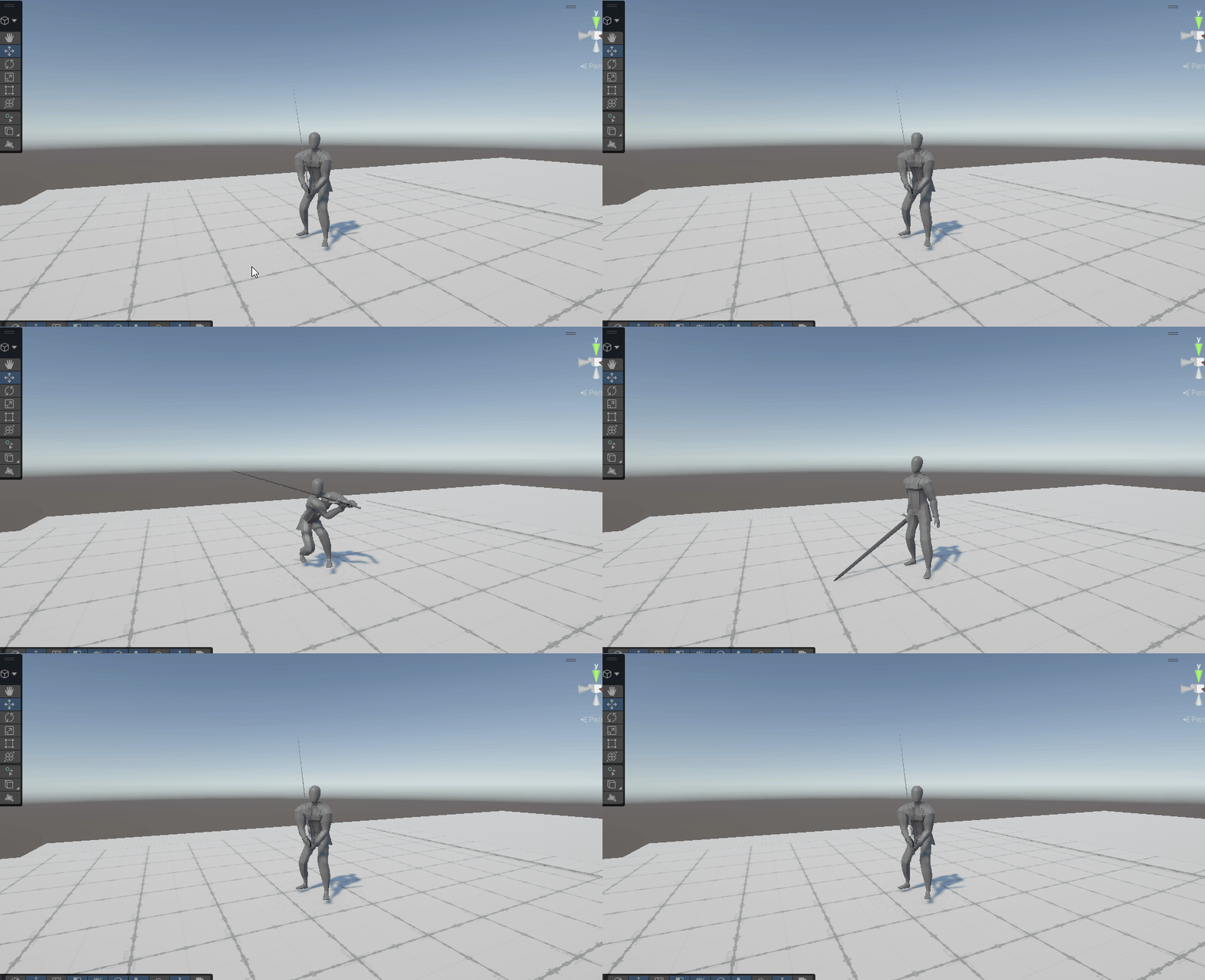 Self-buff skills also have functionality
Added Combat Flair
 Added game slowdown and screenshake for higher impact attacks
I also decided to add a handful of small systems to introduce some flair to the combat. A landed attack can trigger “hitstop”, a brief slowdown in the game’s time scale that makes the contact feel weighty, and a camera shake driven through Cinemachine’s impulse system, both tunable per attack so these systems scan be reserved for the high impact skills and attacks.
What’s Next
Continuing the focus on UI, the next big focus is a full skill tree menu. Each class will have several categories (passives, weapon-focused trees), and each category holding one or more branching trees of nodes the player spends points to learn and rank up, with a loadout step for assigning learned skills to the player’s skill hotbar. After that I want to give combat some stakes with a proper death and respawn flow. and start on a save/load system so all of this persists between sessions.