Rhamnusia | Devlog 5
More user interface, saving system, and additional player progression
Overview
A lot of great progress for this devlog, pratically meeting all the things I’ve set out to do last devlog: a skill tree, player death, and a save system. So far the project now has somewhat of a complete gameloop going from the title screen, to a new game, playing and combat, and saving said progress to continue again later.
User Interface
Title Screen
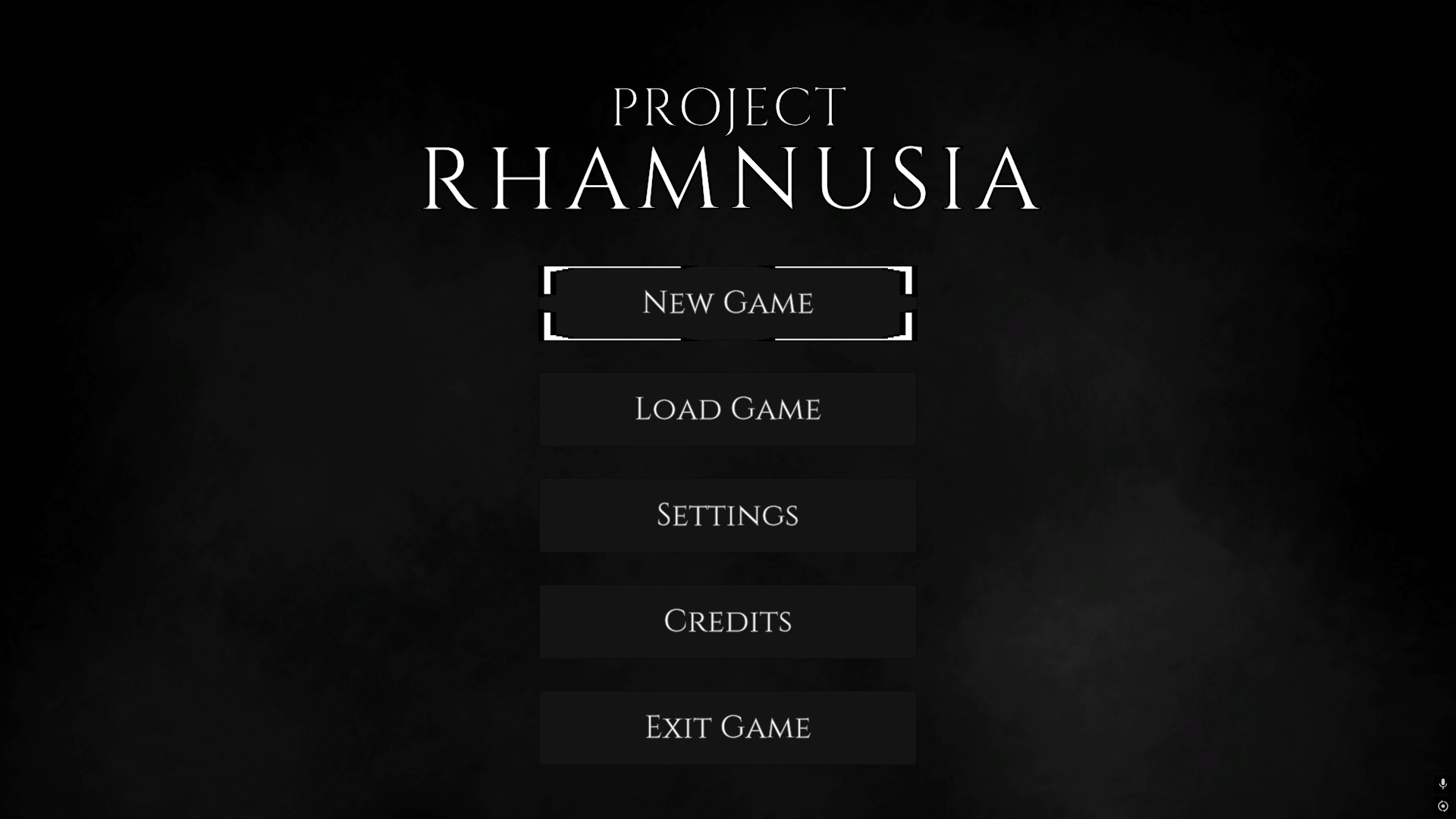 Simple title screen. New, load, and exit game have full functionality
This project now opens like a game. The main menu is built on the same screen framework from the previous devlog. New Game walks through picking one of the starter classes, naming your character, and choosing which slot to save to (with an overwrite warning if that slot is occupied). Load lists all save files saved to the disk and fills the relevant information of the character’s name, level, and save timestamp.
Skill Screen
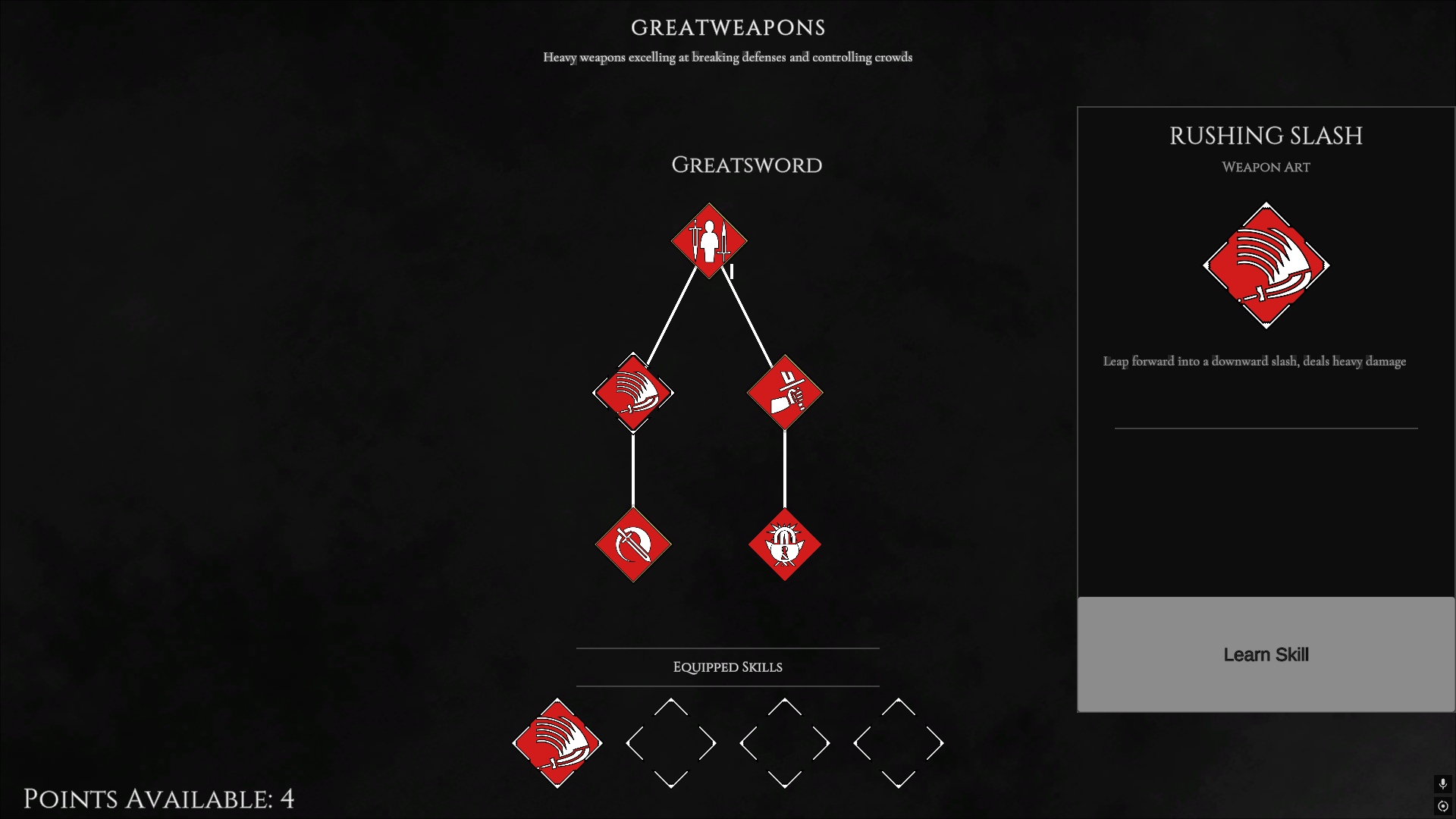 Modular branching skill tree, learnable nodes denoted with a faint gold outline
Last week’s goal has been fully realized with the new skill tree system. Overall, how the system works now is each class has skill categories, trees, and nodes. Categories describing a broad type of skill, so for the Mercenary class (formerly Swordsman) they have Greatweapons, Arts of War, and Weapon & Shield. Skill Trees are made up of skill nodes, and describe the subcategories of the main category, so for Mercenary they have a Greatsword tree with various nodes for that weapon type. Nodes are interconnected with branches that signify pre-requisites.
Obviously to be adjusted later, but I do like this layout so far as it allows me to distinguish combat focused skill categories from other types that may involve more utility or passive bonuses. Allowing for more player control in how they want to build their character.
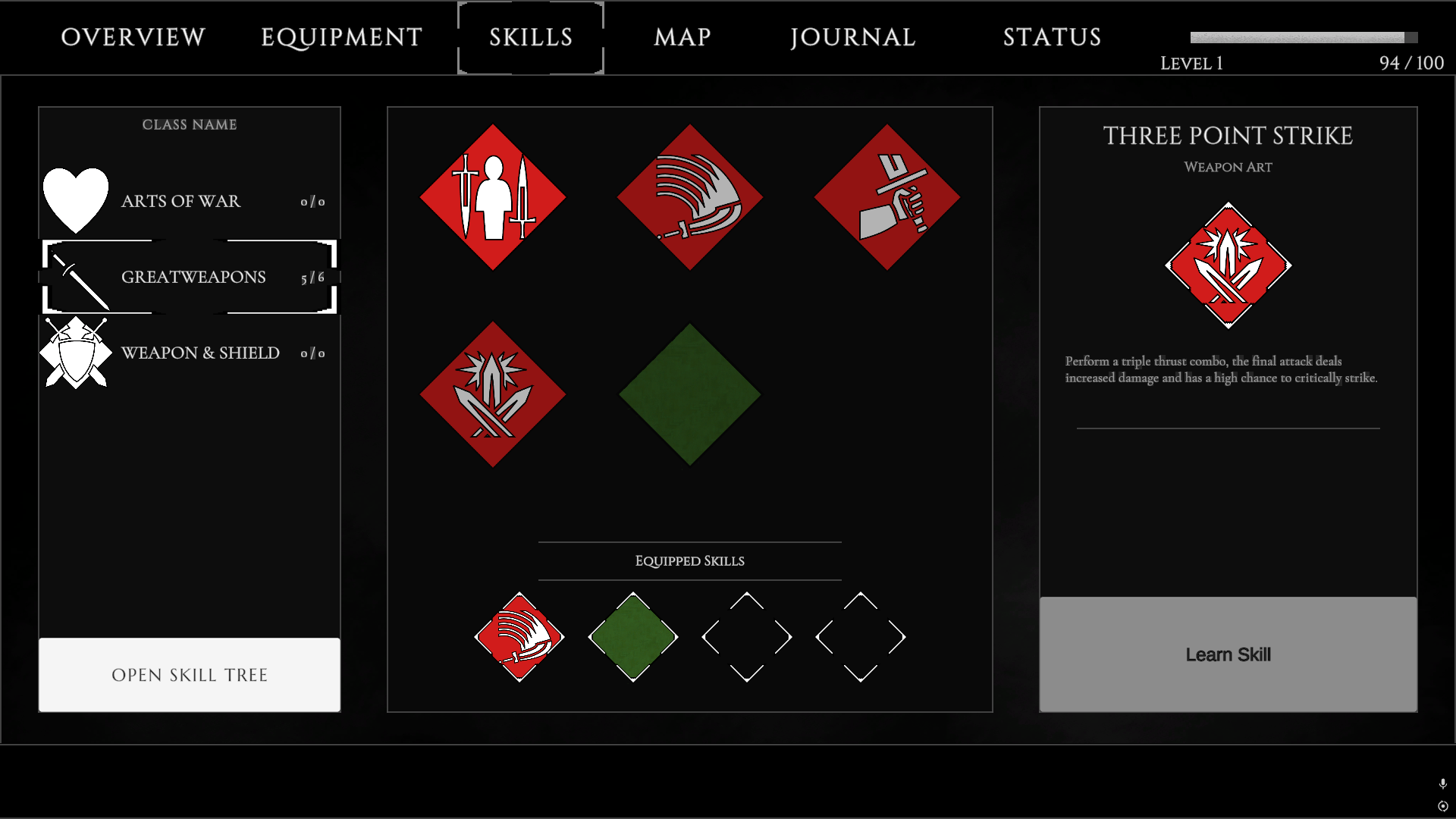 Character menu now has a skill loadout page, showing the player’s learned skills
The skill tree tab in the player’s menu has been repurposed to a “skills loadout” screen, where the player can view their learned skills and slot them into their skill slots as they deem fit. As this screen can only be used to equip skills, there is also a button that allows the player to view their classes’ entire skill tree if they want.
Interaction Popups
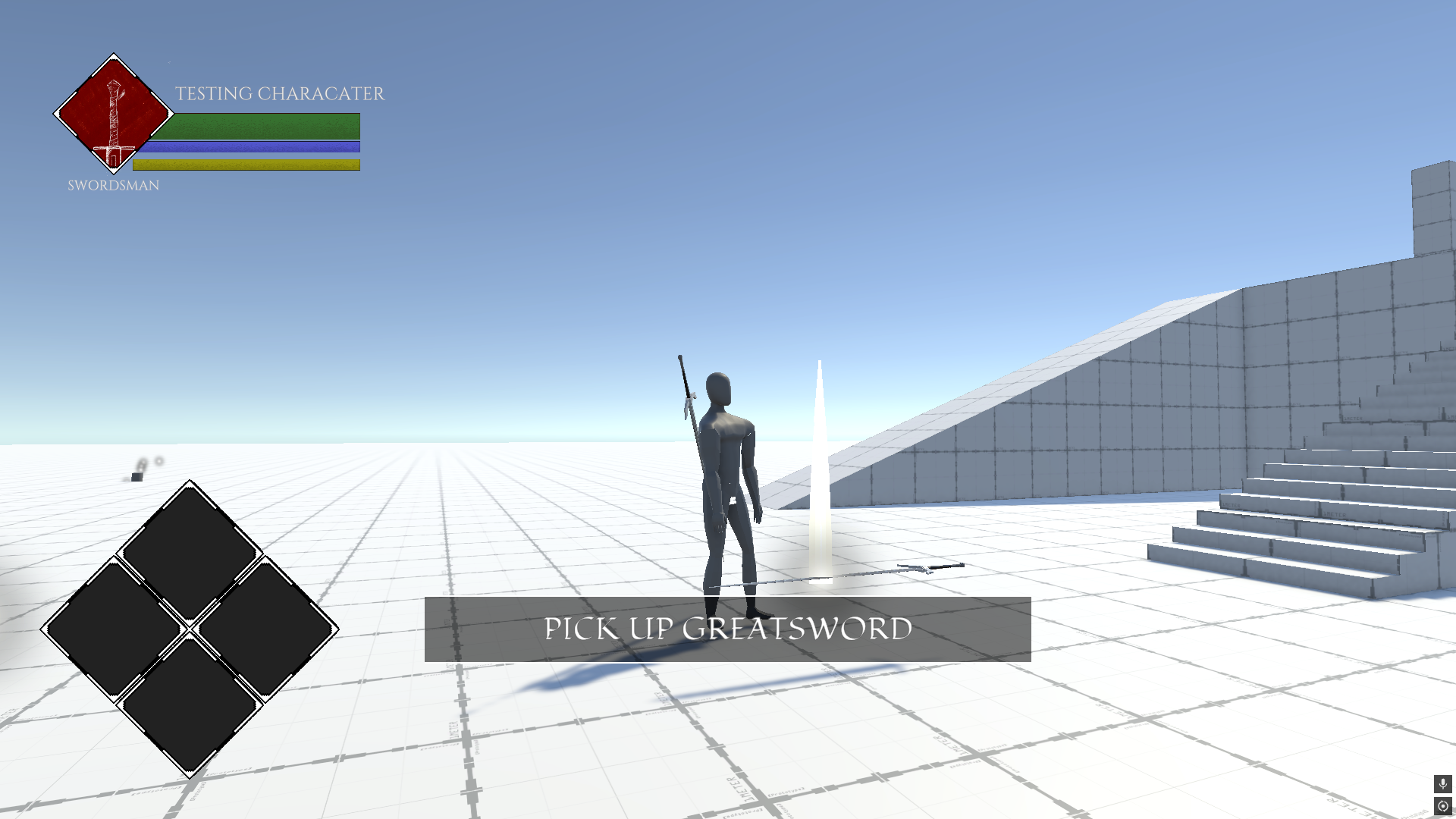 “Greatsword” item pickup marked by a simple particle effect
I’ve introduced a small interaction prompt on the player’s HUD fading in for anything interactable (picking up items, meditation points, NPC interaction TBA). I’ve also been experiementing with the particle system to give the items a noticable effect that they can be picked up.
Save System
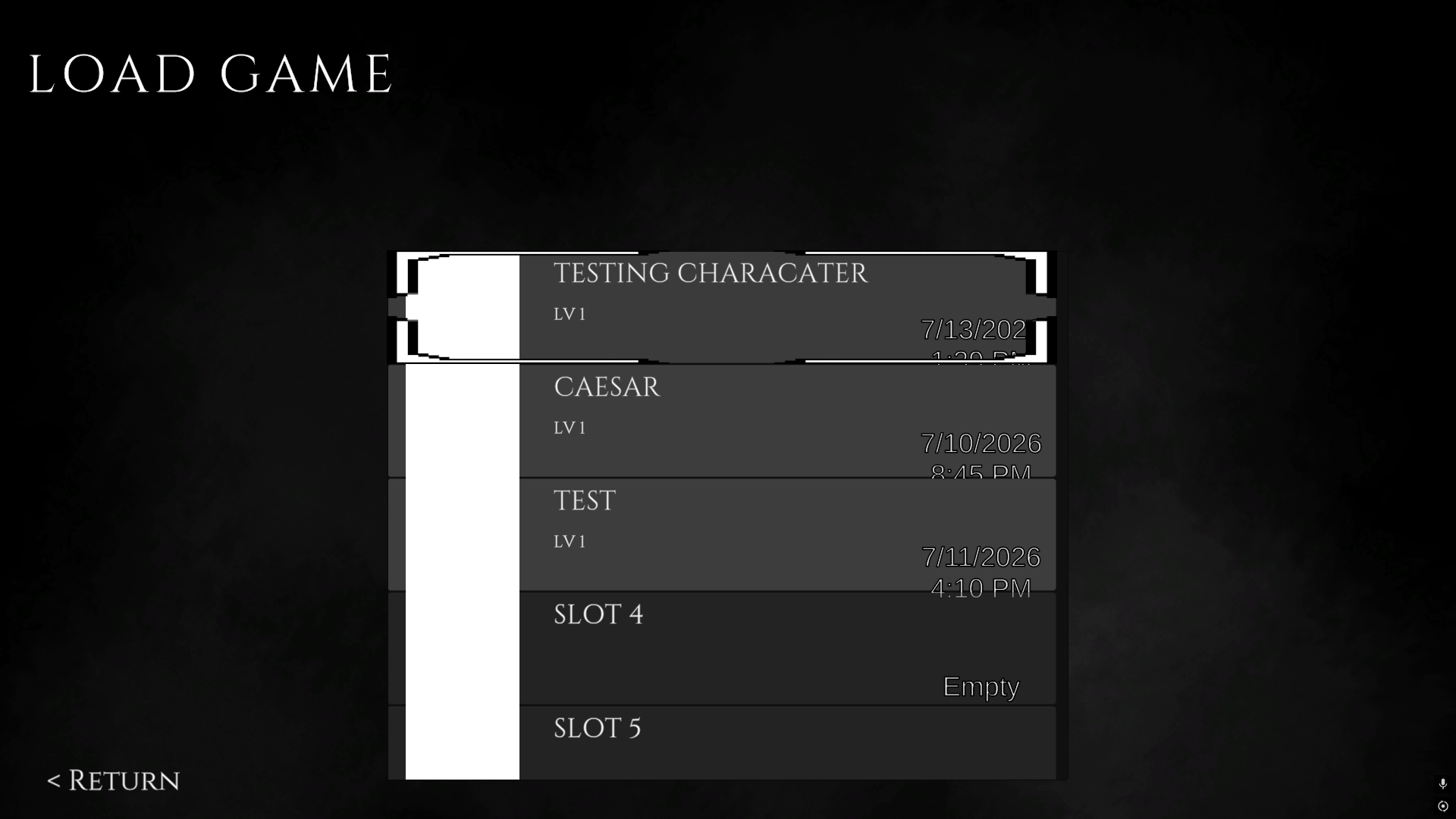
Saving works, and it saves basically everything: character identity and class, level and XP, allocated attributes, learned skill ranks, the hotbar loadout, the full inventory, and equipped gear. Everything serializes as stable string ids resolved through an asset database at load time, so save files stay small, readable JSON and survive assets being moved or renamed.
Resting and Respawning
I have introduced “Meditation Points” in my project, similiar to bonfires from the souls games, it is where the player can allocate earned skill and attribute ppoints, and serves as a respawn point.
Additional Player Progression
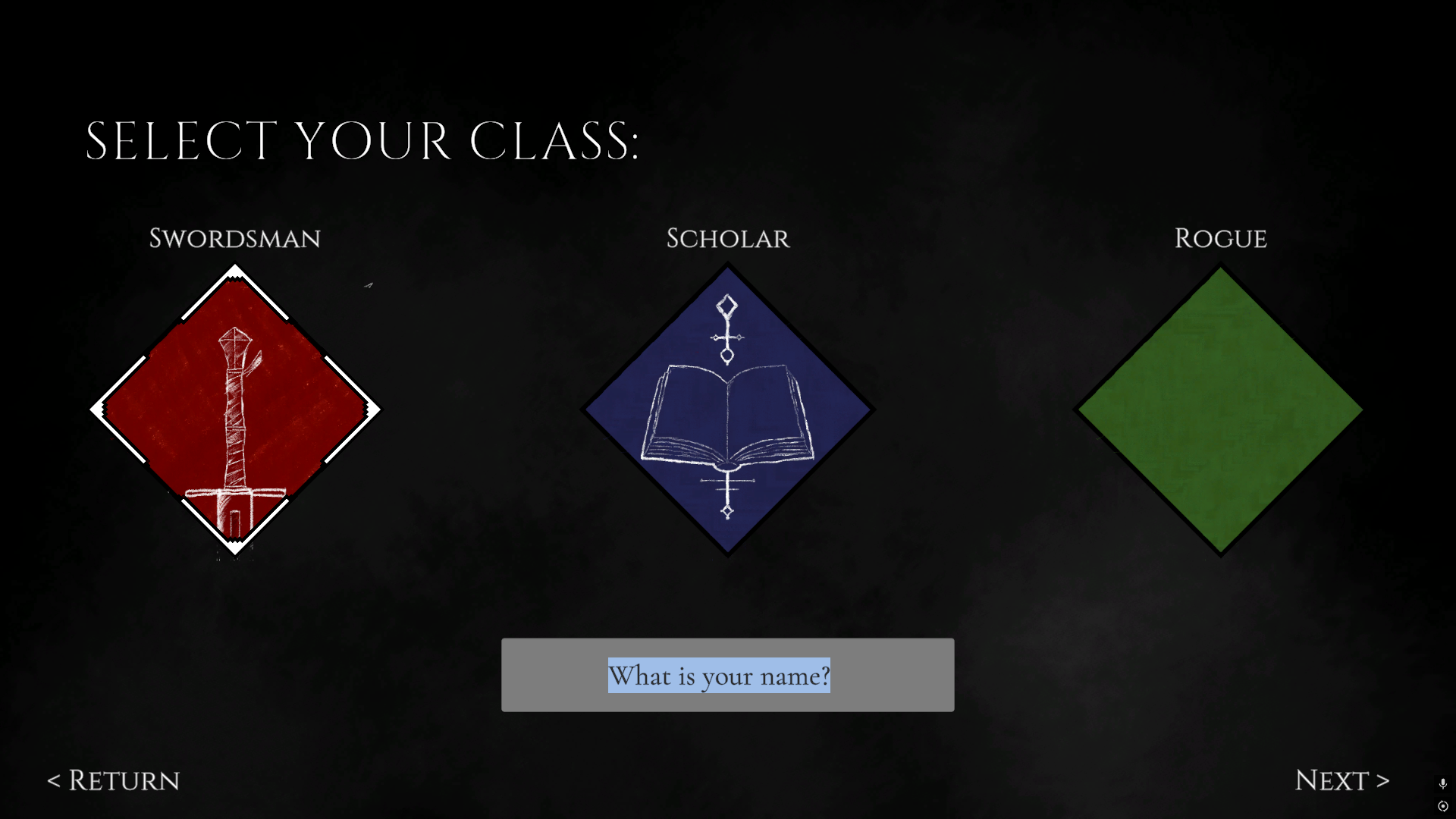
To tie in to the main menu previously mentioned, there’s a rudimentary character creation screen accessible from the “New Game” button. So far it allows the player to pick a class and name their character.
Additionally, levelling is now more apparent, XP gains are now visible and the player gains skill points upon levelling up. Which can be spent on learning skills at meditation points in the world.
World Building
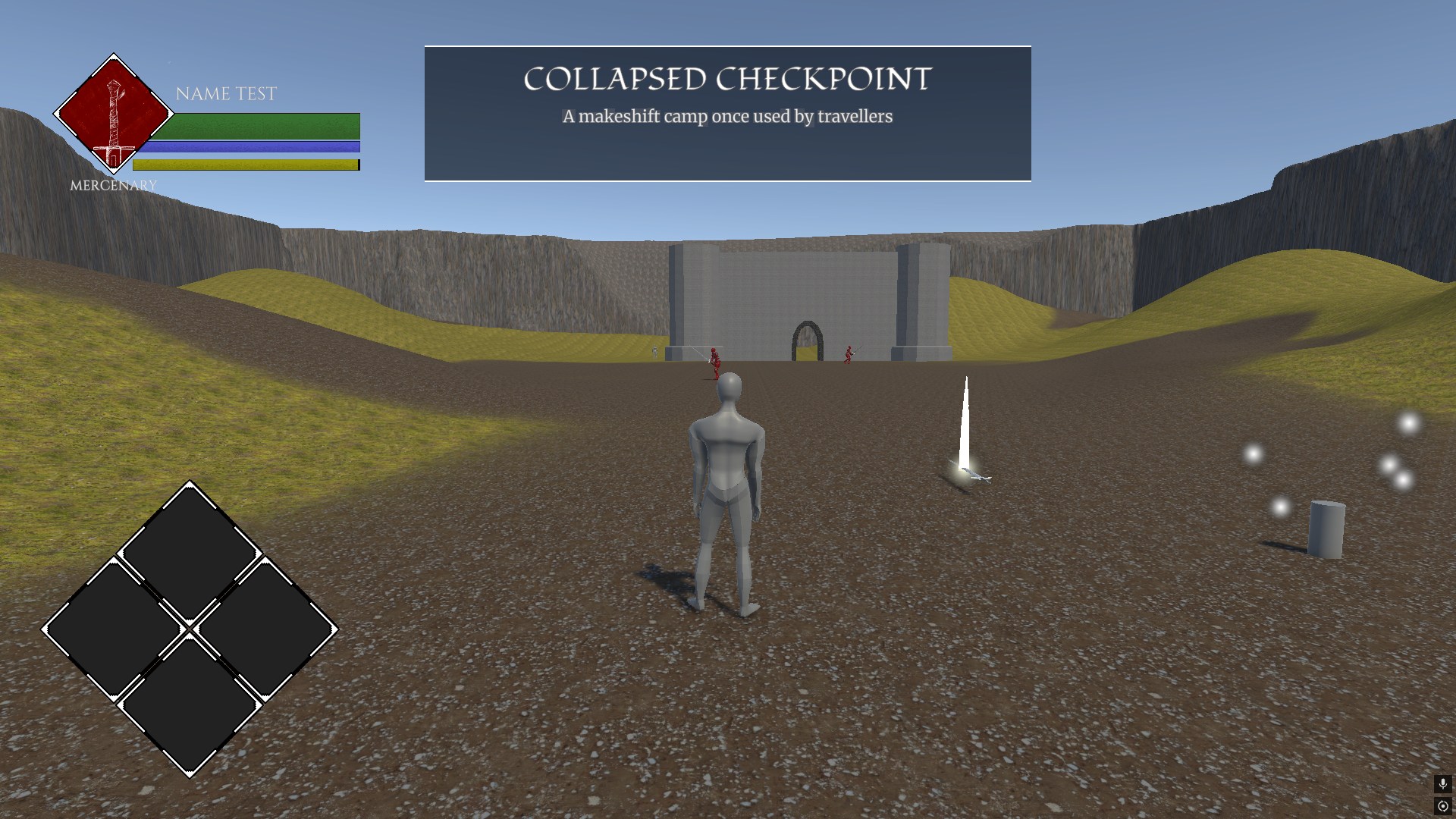 Early level design, mostly to experiment with Unity’s terrain system
I’ve started my first steps out of the graybox level test and into an actual environment scene. So far I’ve made two systems to help support this, there are now location triggers and its associated banner on the player’s UI, which appears when the player enters a new environment displaying its name and description, and a full day/night cycle on a configurable day length, gradient-driven light color, ambient, and fog.
What’s Next
For next week I plan to continue along with world building, doing my best in learning Unity’s lighting system and putting together something that passes for an environment. I won’t go so heavy into the art side of things, but it would be nice to have something prettier than the default Probuilder textures to look at in my development.